
Blog pages
Blog index, article pages, search, tags, and pagination. Loading, empty, and error states are included.
Preview your draft in BlogStax and publish it to a page on your own domain. See where readers came from and which links they clicked.
What changed in our July release
A shorter setup flow, faster search, and three improvements shaped by reader feedback.
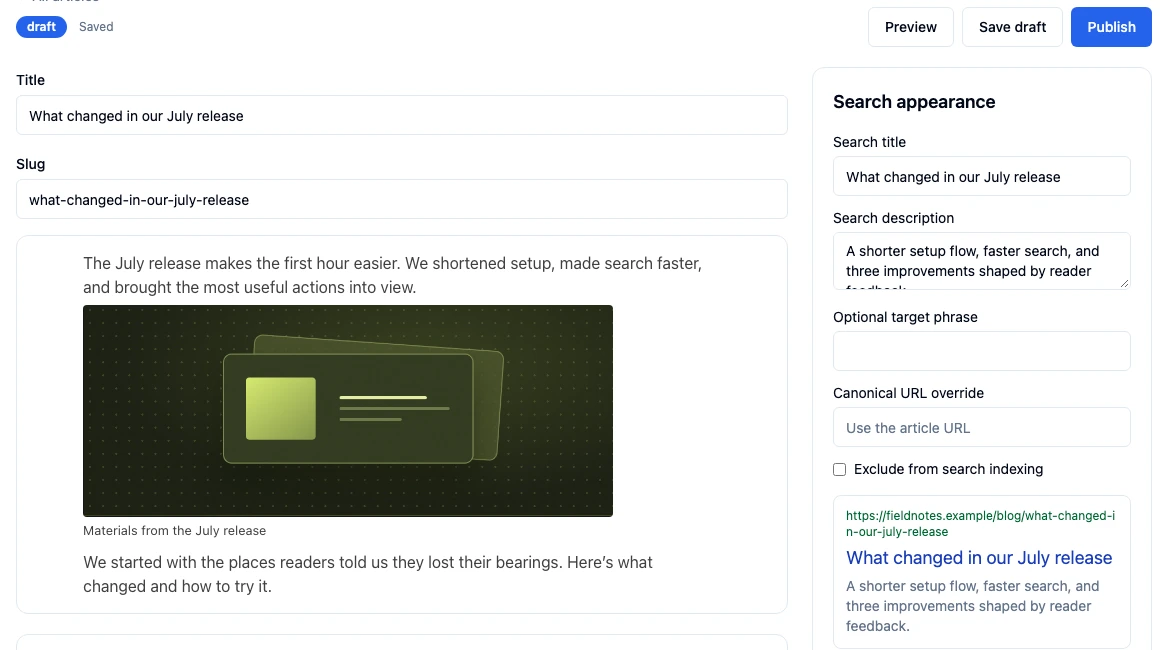
Write with images, code, quotes, and headings. Preview a draft before publishing it to your website. Readers see the current article while you work on the next version.
Roles and invitations
Give collaborators access to the blogs they work on.
Content and media export
Export posts, drafts, tags, and images.
Add article pages inside your existing project. Set their type, layout, and navigation to suit your site.
Blog index, article pages, search, tags, and pagination. Loading, empty, and error states are included.
Use the MIT-licensed React package or copy source from the component registry.
new BlogStackClient(...)Use the Next.js starter for ready-made routes, or fetch posts in another framework with the JavaScript SDK or JSON API.
Check how a post can appear in search, see what brings people to it, and fix the links they rely on.
What changed in our July release
A shorter setup flow, faster search, and what we changed after the first week.
Preview the search title and description. Get reminders for missing image descriptions or headings. The Next.js starter includes search metadata, a sitemap, and RSS.
Explore SEO toolsExample report · Link clicks
On new blogs, there’s no reader tracking unless you turn it on. Enable analytics to see popular articles, referring websites, and clicked links. Readers can opt out.
Explore analyticsSee broken links and redirects alongside the articles that contain them. Find older posts that need an internal link and check when each destination was last scanned.
Explore link reportsAsk for an outline when you’re stuck, a clearer search description, or a link to something you’ve already written. Review the proposed changes and save the ones you want as a draft.
WritingOutlines, rewrites, proofreading and summaries.
SEOIdeas for search titles and descriptions, with explanations.
LinkingRelated posts to link to and replacements for broken destinations.
Notes about building our first product.
What we learned building our first product: the decisions, trade-offs and small improvements that made a difference.
Accepted suggestions become a private draft. You choose when to publish.
Add tutorials, project notes, or essays to the site that already has your portfolio. Open the editor whenever you have something to share.
Publish release notes, engineering stories, and company news at yourcompany.com/blog. Give teammates a shared place to write and edit.
Reuse the same components and style them for each brand. Manage unlimited blogs on Studio or Growth and invite clients when they want to write.
Enter your blog details and copy a prompt with the packages, starter routes, and verification steps for your site.
Paste it into Codex, Claude Code, Cursor, or the assistant you already use. Review the proposed files before you merge them.
Read the AI setup guideExport posts, drafts, and tags as JSON and download your original images. The blog pages are source files in your project, so your team can keep working on the design.
With BlogStax Cloud, we run the publishing platform, media, and backups for you.
To operate it yourself, deploy the MIT-licensed dashboard, API, and background services into your own Cloudflare account. Your website connects to either option.
Get the complete platform
git clone https://github.com/godwwinpeace22/blogstack-platform.git
cd blogstack-platform
npm ci

Configure your account and email sender
# Follow the self-hosting guide
# Generated credentials stay private

Provision and deploy
npm run self-host:provision
npm run self-host:deploy
Add your own comments component below a post and a newsletter signup form on the blog.
Provider accounts and charges are separate.
See the integration guideThe Next.js starter fetches articles when someone visits a page. Publish a change in the dashboard and it’s available on the next request.
See how the starter renders postsYour frontend can stay with its current host. Use BlogStax Cloud or run the publishing backend in your own Cloudflare account.
Read the self-hosting guideUse the public API or JavaScript SDK to fetch posts and tags, with author details on each article. Render the pages in your own framework.
See the SDK